Start with your business. Build the route around it.
Tell us where inquiries, conversations or follow-up get stuck. We’ll use that starting point to discuss a practical CRM setup.
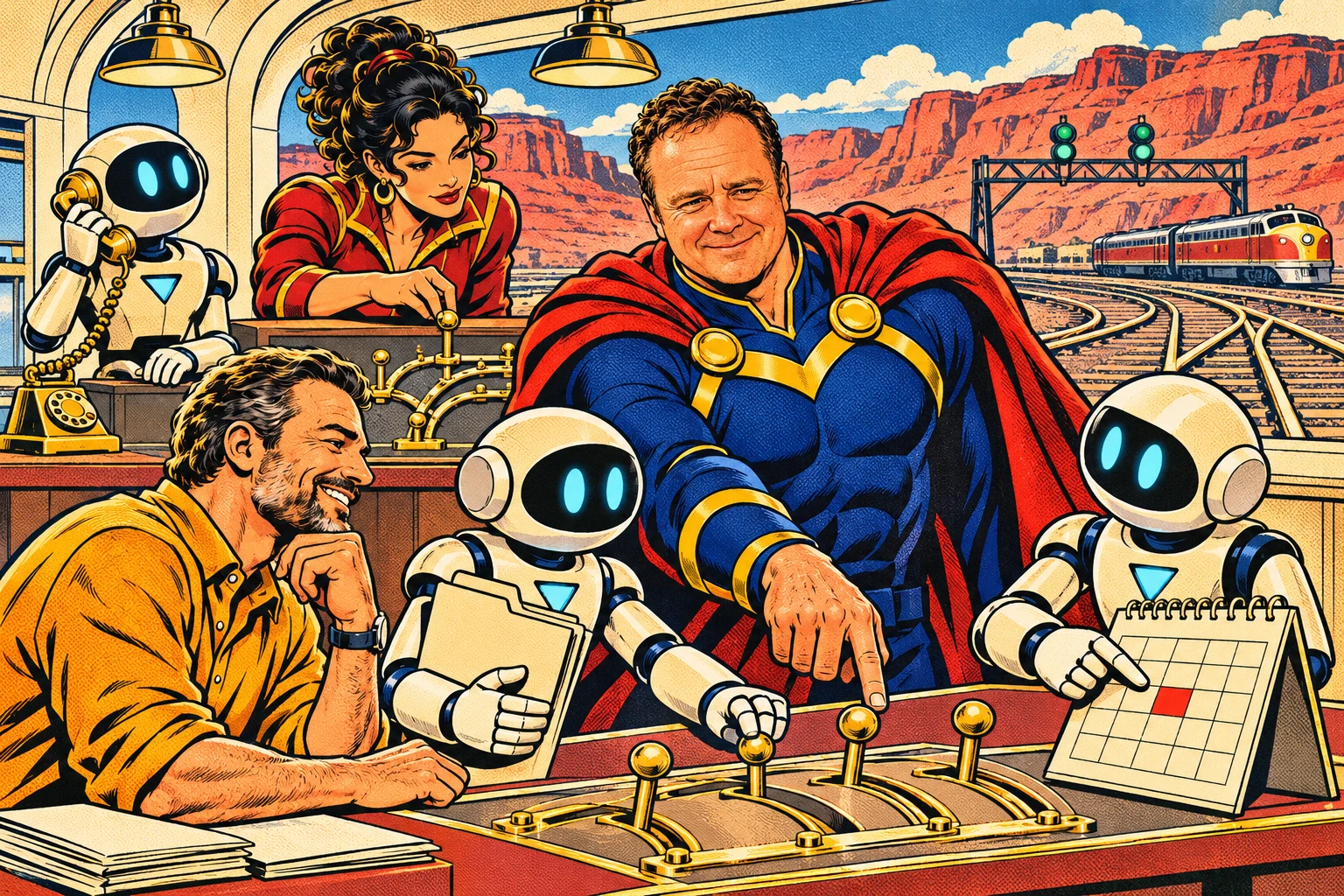
Concept illustration / The customer journey adventure
Map the real journey
Define how people find you, what they need to decide and what counts as becoming your customer.
Choose the first useful mission
Start with a specific problem, such as answering inquiries, booking consultations or coordinating follow-up.
Prepare information and connections
Review business knowledge, existing records, calendars, channels and the tools needed for the chosen process.
Configure and test
Test routine interactions and exceptions, including when the AI should stop or hand off to a person.
Launch with clear ownership
Agree on the setup, responsibilities, training and support scope before enabling the live process.
Review and refine
Look at actual interactions and outcomes. Adjust the process as you learn where people need more help.
A few useful answers.
Can this work with how our team operates today?
We start by understanding your current process and connections. The setup discussion identifies what can connect, what should change and what requires additional work.
Do we have to automate everything?
No. A focused first process is often more useful. Keep human review where it matters and expand assistance after the behavior has been tested.
Are all AI features included?
The $97/month core CRM plan includes the core platform features. Optional AI plans and add-ons, phone and messaging usage, payment processing and connected services can carry separate charges. Review the pricing page and confirm the configuration before activation.
Will this automatically turn every lead into a customer?
No. The CRM helps support answers, decisions and follow-through. Your offer, service, team and the buyer’s choice still determine the relationship.
Where do existing customers log in?
Open the bPUBLIC CRM login ↗. This website explains the product; your working CRM remains at its existing address.
Where is your next customer getting stuck?
Bring us the problem. We’ll help map the conversations, AI assistance and follow-through that could make the next step easier.